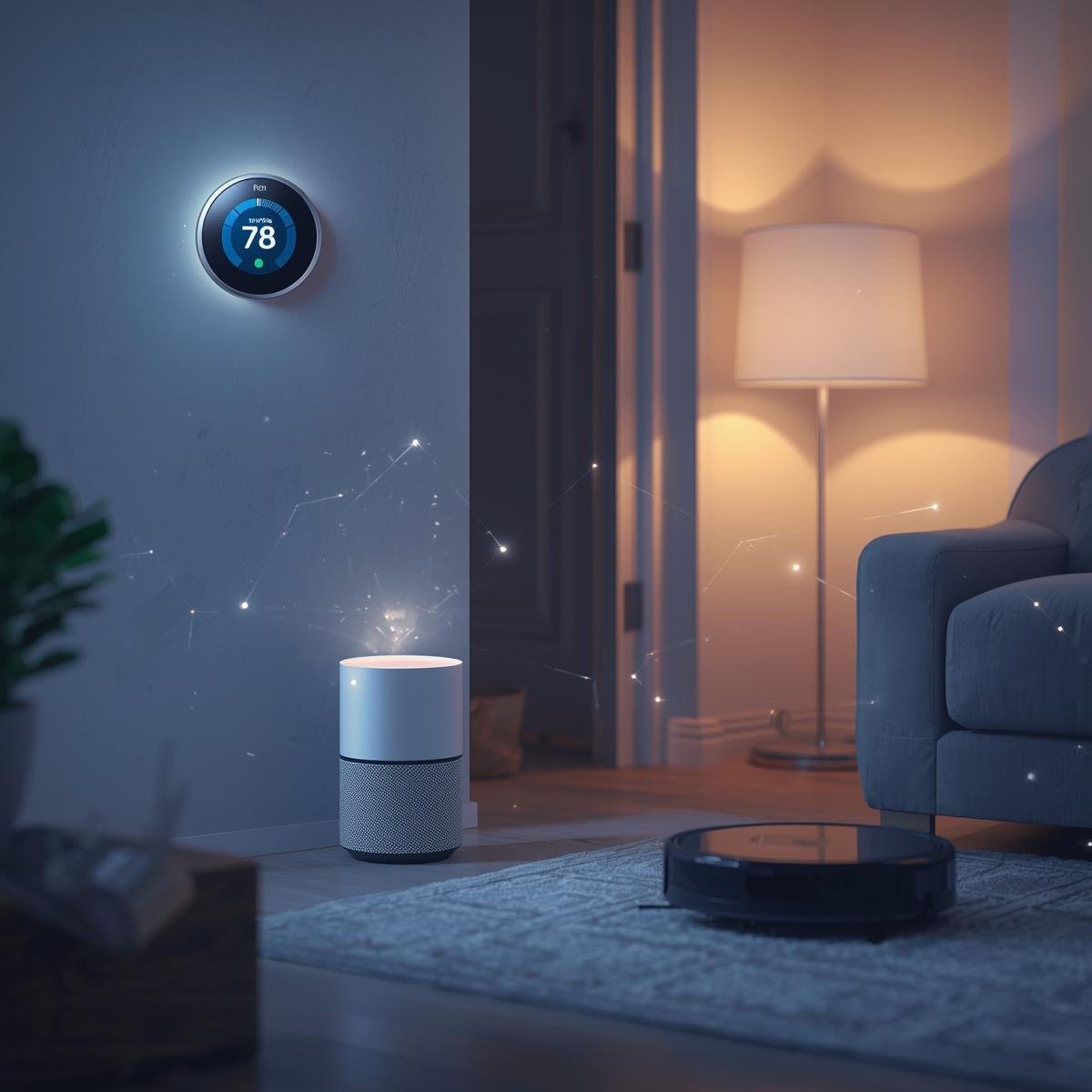
Smart home technology has moved beyond novelty. In 2026, connected devices focus on solving everyday problems such as managing energy, improving security, and reducing manual tasks.
Many people hesitate to adopt smart home products because they worry about complexity. The truth is that modern systems are designed for simple setup and daily convenience.
This guide explains practical smart home devices and how they support real-life routines.
What Makes a Smart Home Useful
A smart home becomes useful when devices work together. Instead of controlling each gadget separately, users rely on automation and centralized apps.
A functional smart home offers:
- Remote access
- Scheduled actions
- Real-time alerts
- Voice control
- Energy monitoring
These features help reduce repetitive tasks and improve awareness of what happens at home.
Smart Lighting Systems
Smart lights allow users to control brightness and schedules from a phone or voice assistant.
Common functions include:
- Turning lights on or off remotely
- Setting timers
- Adjusting color temperature
- Grouping rooms
Smart lighting helps with:
- Saving electricity
- Improving sleep routines
- Enhancing security when away
Some systems also integrate with motion sensors so lights activate only when someone enters a room.
Smart Thermostats
Smart thermostats regulate indoor temperature automatically.
They learn usage patterns and adjust heating or cooling based on occupancy.
Key benefits:
- Reduced energy waste
- Comfortable indoor climate
- Remote temperature control
- Monthly usage reports
Many users notice lower utility bills after switching to smart thermostats.
These devices are especially useful in homes with changing schedules.
Smart Door Locks
Smart locks replace traditional keys with mobile access or keypad entry.
Features include:
- Temporary access codes
- Activity logs
- Auto-lock scheduling
- Remote unlocking
They help manage deliveries, guests, and family access without physical keys.
Smart locks also improve security by notifying users when doors are opened.
Video Doorbells
Video doorbells show who is at your door through a phone app.
They offer:
- Live video
- Two-way audio
- Motion alerts
- Cloud recordings
These devices help monitor visitors and packages even when you are not home.
Some models also support face recognition and package detection.
Smart Security Cameras
Indoor and outdoor cameras provide continuous monitoring.
Modern systems include:
- Night vision
- Motion detection
- Mobile notifications
- Cloud or local storage
Users place cameras near entrances, garages, and common areas.
Security cameras increase awareness and provide recorded evidence when needed.
Robot Vacuum Cleaners
Robot vacuums clean floors automatically using built-in sensors and mapping.
They can:
- Avoid obstacles
- Follow room layouts
- Return to charging stations
- Run on schedules
Some models also mop floors.
These devices save time and help maintain clean spaces with minimal effort.
Smart Plugs
Smart plugs turn regular appliances into connected devices.
Users control them through apps or voice commands.
Common uses:
- Turning off forgotten devices
- Scheduling coffee makers
- Managing fans or heaters
- Monitoring power usage
They are affordable entry points for smart home setups.
Voice Assistants and Smart Displays
Voice assistants act as control centers for smart homes.
They help with:
- Setting reminders
- Playing music
- Checking weather
- Controlling connected devices
Smart displays add visual feedback for calendars, video calls, and camera feeds.
These devices simplify interaction with the entire home system.
Smart Smoke and CO Detectors
Smart detectors send alerts to phones when smoke or carbon monoxide is detected.
They also perform self-checks and notify users when batteries are low.
These devices improve safety by providing warnings even when homeowners are away.
How Smart Devices Work Together
The real benefit comes from automation.
Examples:
- Lights turn off when doors lock
- Thermostat lowers temperature at bedtime
- Cameras activate when leaving home
- Robot vacuum runs while at work
These routines reduce daily effort and support organized living.
Tips for Building a Smart Home
Start small.
Begin with:
- Smart bulbs
- Smart plugs
- Voice assistant
Then expand based on needs.
Always check:
- Device compatibility
- Wi-Fi strength
- App usability
- Security features
Avoid buying too many devices at once.
Common Mistakes to Avoid
- Mixing incompatible platforms
- Ignoring privacy settings
- Over-automating simple tasks
- Buying devices without clear purpose
Focus on practical improvements instead of adding gadgets without benefit.
Final Thoughts
Smart home devices in 2026 focus on real utility. They help manage lighting, temperature, security, and cleaning while reducing manual work.
When chosen carefully, these tools support daily routines and provide peace of mind.
A smart home does not need to be complex. Even a few connected devices can improve comfort and efficiency.
Technology works best when it fits naturally into everyday life.