How Smart Home Technology Saves Time and Energy
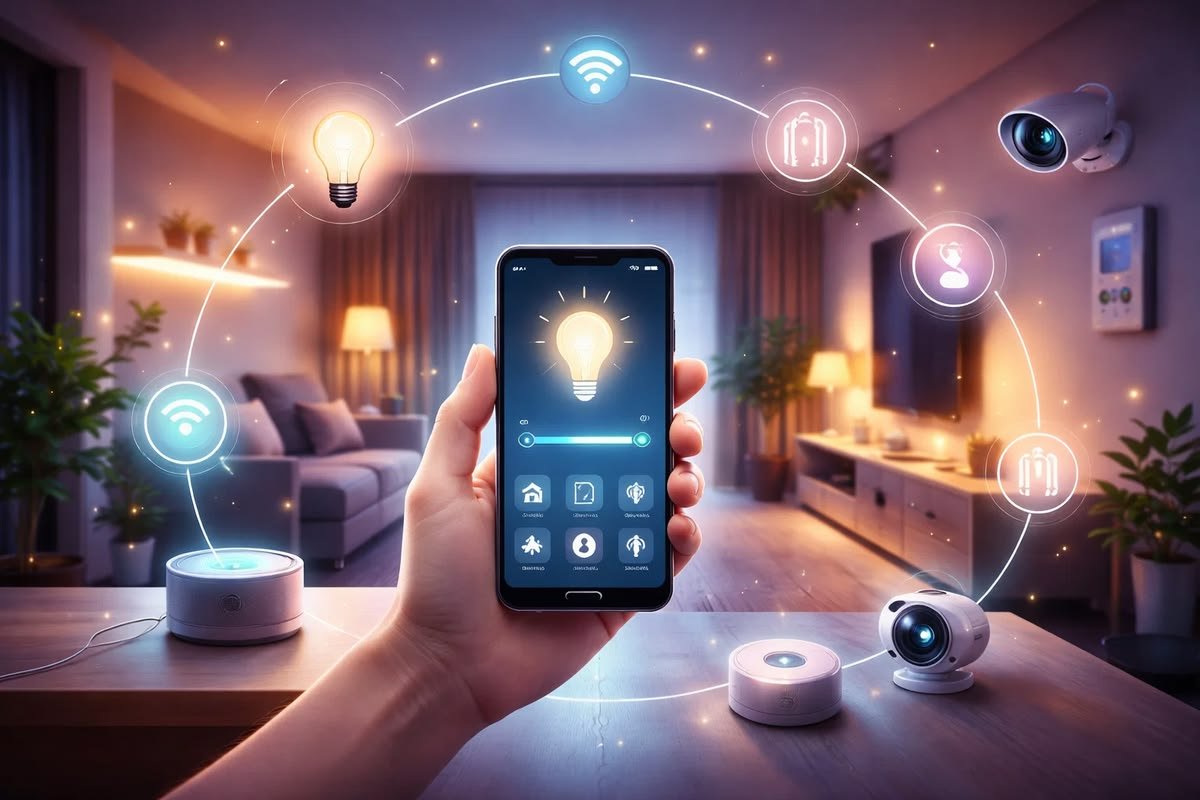
Smart home technology has become a practical part of modern living. Connected lights, thermostats, plugs, appliances, sensors, and other devices can automate routine tasks and give homeowners better control over how their homes operate.
One of the main reasons people choose smart home technology is convenience. Instead of manually adjusting devices throughout the day, homeowners can use schedules, sensors, smartphone applications, and automated routines.
Smart home technology can also help manage energy use. Devices can be programmed to operate only when needed, while sensors and monitoring tools can provide information about household usage. However, smart technology does not automatically guarantee lower energy bills. The results depend on the type of equipment, how it is configured, and how people use it.
Understanding how smart devices can save time and potentially reduce unnecessary energy use can help homeowners build a more efficient connected home.
What Is Smart Home Technology?
Smart home technology refers to connected devices that can be monitored, controlled, or automated through a network.
These devices may connect through Wi-Fi, Bluetooth, or other communication technologies. Many can be controlled using smartphone applications or voice commands.
Examples include:
- Smart lights
- Smart plugs
- Smart thermostats
- Smart sensors
- Smart appliances
- Smart speakers
- Smart energy monitors
- Smart security devices
The main difference between a traditional device and a smart device is the ability to connect, communicate, and respond to commands or predefined conditions.
How Smart Homes Save Time
One of the biggest advantages of smart home technology is automation.
Many household tasks are repetitive. People turn lights on and off, adjust temperatures, check doors, operate appliances, and manage other devices every day.
Automation can reduce the number of manual actions required.
For example, lights can turn on at a scheduled time without requiring someone to operate a switch. A thermostat can adjust the temperature according to a daily routine.
These small changes can save time over weeks and months.
Smart Lighting Automation
Smart lighting can help reduce both manual work and unnecessary lighting use.
Users can create schedules that turn lights on and off at specific times.
For example, outdoor lights can be scheduled to turn on during the evening and switch off later at night.
Motion sensors can also activate lights when movement is detected. This can be useful in hallways, bathrooms, garages, and other areas where lights do not need to remain on continuously.
Smart lighting can also allow users to control several lights from one application.
Instead of walking through multiple rooms to turn lights off, users can control compatible lights from a smartphone or automated routine.
Smart Thermostats and Temperature Control
Heating and cooling can account for a significant portion of household energy use.
Smart thermostats can provide more control over temperature settings and schedules.
A homeowner can create different settings for different parts of the day.
For example, the thermostat may use one temperature schedule when people are at home and another when the house is empty.
Some smart thermostats can also use sensors or other information to adjust operation based on conditions.
Better scheduling can reduce unnecessary heating or cooling, although actual savings depend on the home’s insulation, HVAC equipment, climate, settings, and usage.
Smart Plugs Reduce Unnecessary Operation
Smart plugs can control compatible appliances through schedules or remote commands.
A device connected to a smart plug can be programmed to turn off during periods when it is not needed.
For example, a desk lamp can be scheduled to turn off after working hours.
A smart plug can also help users manage devices that are frequently left switched on.
However, smart plugs should only be used with appliances that are suitable for the plug’s electrical rating. High-power appliances require particular attention to compatibility and safety.
Smart Sensors Automate Daily Tasks
Sensors can help smart home systems respond to conditions rather than relying only on fixed schedules.
A motion sensor can detect when someone enters a room.
A temperature sensor can identify changes in temperature.
A door sensor can detect whether a door is open or closed.
These sensors can trigger other connected devices.
For example, motion detected in a hallway could activate a light. When no movement is detected for a certain period, the light could turn off.
This type of automation can reduce unnecessary device operation and save time.
Smart Appliances
Smart appliances can provide connected features that make household routines easier.
Depending on the appliance, users may be able to monitor status, create schedules, receive notifications, or control certain functions remotely.
For example, a connected appliance may notify a user when a cycle is complete.
The main benefit is not necessarily that the appliance uses less energy automatically. Instead, connected features can give users better control over when and how the appliance operates.
Energy efficiency still depends heavily on the appliance itself.
Smart Energy Monitoring
Some smart home systems can provide information about electricity usage.
Energy monitoring can help homeowners understand which devices or activities consume the most electricity.
Once usage patterns are visible, people can make informed decisions.
For example, a homeowner may discover that a particular appliance operates for many hours each day. Adjusting its schedule or usage could reduce unnecessary consumption.
Monitoring therefore supports better decision-making rather than automatically reducing energy use.
Smart Home Routines
Smart routines can combine multiple actions into one automated event.
For example, a bedtime routine might:
- Turn off selected lights
- Switch off compatible smart plugs
- Adjust the thermostat
- Lock a compatible smart door
- Activate selected security devices
A morning routine could perform a different group of actions.
The exact options depend on the smart home platform and connected devices.
Routines can save time because users do not need to control every device separately.
Remote Control Saves Time
Smart devices can often be controlled remotely through a smartphone.
This can be useful when someone forgets to switch off a light or wants to check the status of a connected device.
For example, instead of returning home to check a device, a homeowner may be able to check its status through an application.
Remote control can also help users make changes while away from home.
However, remote access should be protected with strong account security.
Smart Home Technology and Standby Power
Some electronic devices consume a small amount of electricity even when they are not actively being used.
Smart plugs can provide a way to control the power supply to suitable devices.
For example, a compatible entertainment setup could be connected to a smart plug and scheduled to turn off during periods when it is not needed.
The amount of energy saved depends on the equipment and how much standby power it consumes.
It is therefore better to identify actual sources of unnecessary consumption rather than assuming every device needs to be disconnected.
Automated Window and Shade Controls
Motorized smart blinds and shades can be scheduled or controlled based on certain conditions.
During bright periods, shades may help manage sunlight and indoor temperature. During colder periods, opening or closing them at appropriate times can influence heat gain or loss.
These systems can also save time because homeowners do not need to manually adjust every window covering.
However, the energy impact varies according to window type, climate, building design, and how the shades are used.
Smart Water Leak Sensors
Smart water sensors do not directly reduce electricity consumption, but they can save time and help prevent damage.
A sensor placed near a washing machine, sink, water heater, or other vulnerable area can detect moisture.
If a leak is detected, the device may send an alert to a smartphone.
Early awareness can allow homeowners to respond sooner instead of discovering a problem after significant damage has occurred.
Smart Home Technology for Busy Families
Smart automation can be particularly useful for households with busy schedules.
Parents, professionals, and other household members often have many repetitive tasks to manage.
Automated lights, thermostats, security systems, and appliances can reduce the number of things that need to be remembered.
For example, a scheduled routine can handle lights and temperature settings while security sensors provide notifications about selected activity.
This does not eliminate household responsibilities, but it can reduce repetitive manual actions.
Smart Homes for Apartments
Smart technology is not limited to large houses.
People living in apartments can also use simple devices such as smart bulbs, plugs, sensors, and compact security products.
Renters may prefer devices that do not require permanent modifications.
Battery-powered sensors and plug-in devices can be easier to install and remove when moving.
Before installing locks, cameras, or other permanent equipment, renters should check their lease requirements and property rules.
How to Build an Energy-Efficient Smart Home
The best approach is to combine smart technology with energy-efficient equipment and sensible habits.
Start by identifying where energy is being wasted.
Then choose devices that can help manage those areas.
For example:
- Replace frequently used inefficient lighting with efficient bulbs.
- Use schedules for lighting.
- Use appropriate thermostat settings.
- Monitor major energy-consuming appliances.
- Turn off compatible devices when they are not needed.
- Use sensors where automation provides a clear benefit.
- Review energy usage regularly.
Technology works best when it supports good household habits.
Avoid Over-Automation
More automation is not always better.
Installing too many connected devices can increase complexity and make troubleshooting difficult.
Some devices also consume small amounts of energy themselves.
The goal should be to automate tasks that provide a meaningful benefit.
For example, automatically turning off a light that is frequently forgotten may be useful. Automating a device that is already used efficiently may provide little value.
Security and Privacy Considerations
Smart home devices are connected to networks, so security should not be ignored.
Use strong passwords and enable two-factor authentication when available.
Keep device software and applications updated.
Secure your home Wi-Fi network and review the privacy settings of connected devices.
For cameras, microphones, and other devices that collect data, understand what information is collected and where it is stored.
A smart home should provide convenience without creating unnecessary privacy or security risks.
Common Mistakes That Reduce Energy Savings
One common mistake is assuming that a smart device automatically saves energy.
A smart light can still consume electricity if it remains on unnecessarily.
A smart thermostat can still use substantial energy if temperature settings are inefficient.
Another mistake is adding devices without considering the overall system.
Energy savings come from changing how equipment operates, not simply from connecting it to the internet.
Regularly review schedules and automation rules to make sure they still match your lifestyle.
Final Thoughts
Smart home technology can save time by automating repetitive household tasks and providing centralized control. Smart lighting, thermostats, plugs, sensors, appliances, energy monitors, and automated routines can make everyday management easier.
The technology can also support better energy management. Scheduling devices, reducing unnecessary operation, monitoring usage, and using sensors can help homeowners make more informed decisions.
However, smart devices are tools rather than automatic solutions. Actual energy savings depend on the efficiency of household equipment, climate, building design, settings, and user behavior.
The best smart home is one that combines useful technology with efficient appliances and sensible habits. Start with a few devices that solve real problems, monitor how they perform, and expand the system only when additional automation provides a clear benefit.
With careful planning, smart home technology can reduce repetitive work, improve household control, and help people manage energy use more effectively.